
Explore apps
Browse and search the user and system apps installed on your device.
A focused Android utility
Turn your installed-app catalog into a clear, searchable view. Explore apps and activities, review known restrictions, reach useful settings, and save important items for later.
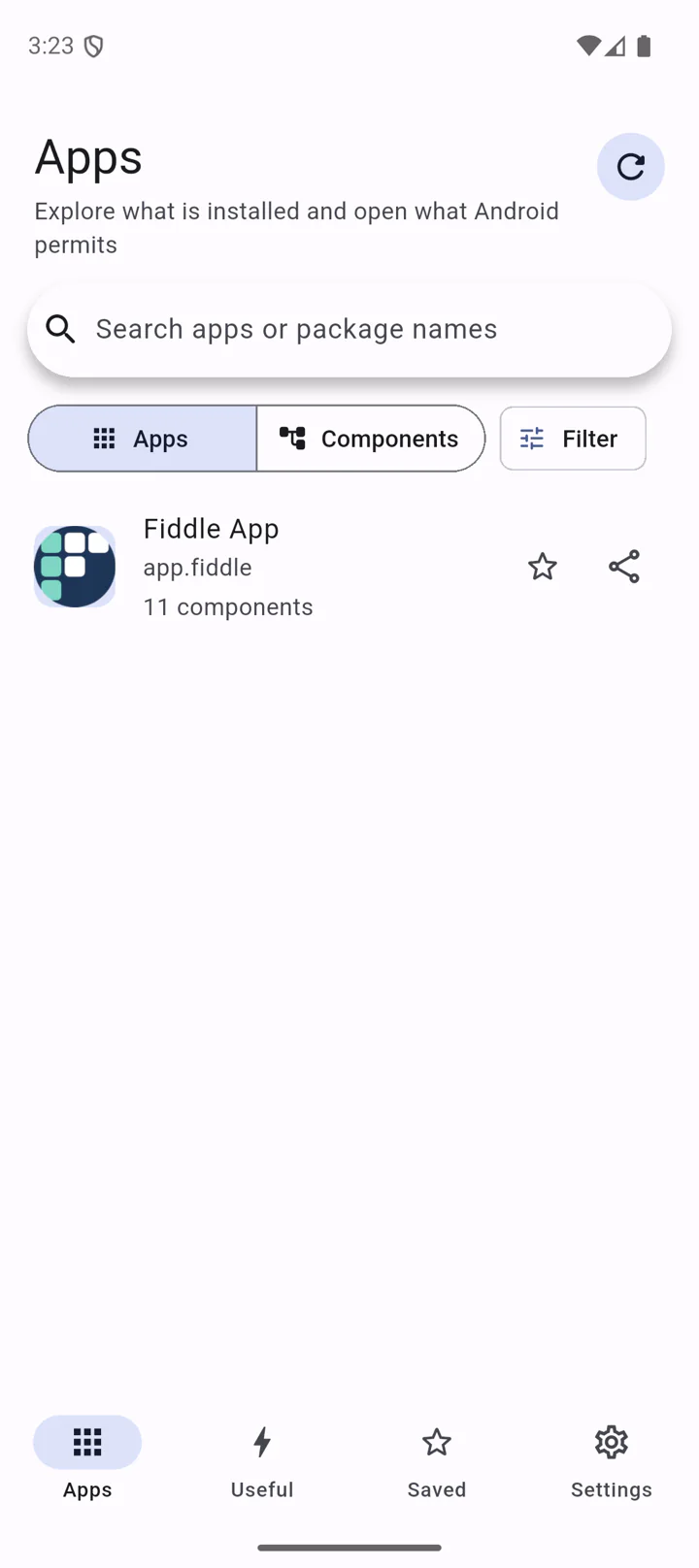
Clarity without the clutter
Fiddle App brings useful information and deliberate controls together in one calm, organized interface.
Browse and search the user and system apps installed on your device.
An activity is usually a screen or entry point inside an app. See what the app exposes and whether Android reports it as available.
Review known restrictions and clear warnings before asking Android to open.
Open validated routes to common Android settings with clear fallback explanations.
Keep selected apps and activities close at hand for quick return visits.
A focused workflow
Move from a device-wide overview to the detail you need without losing your place.
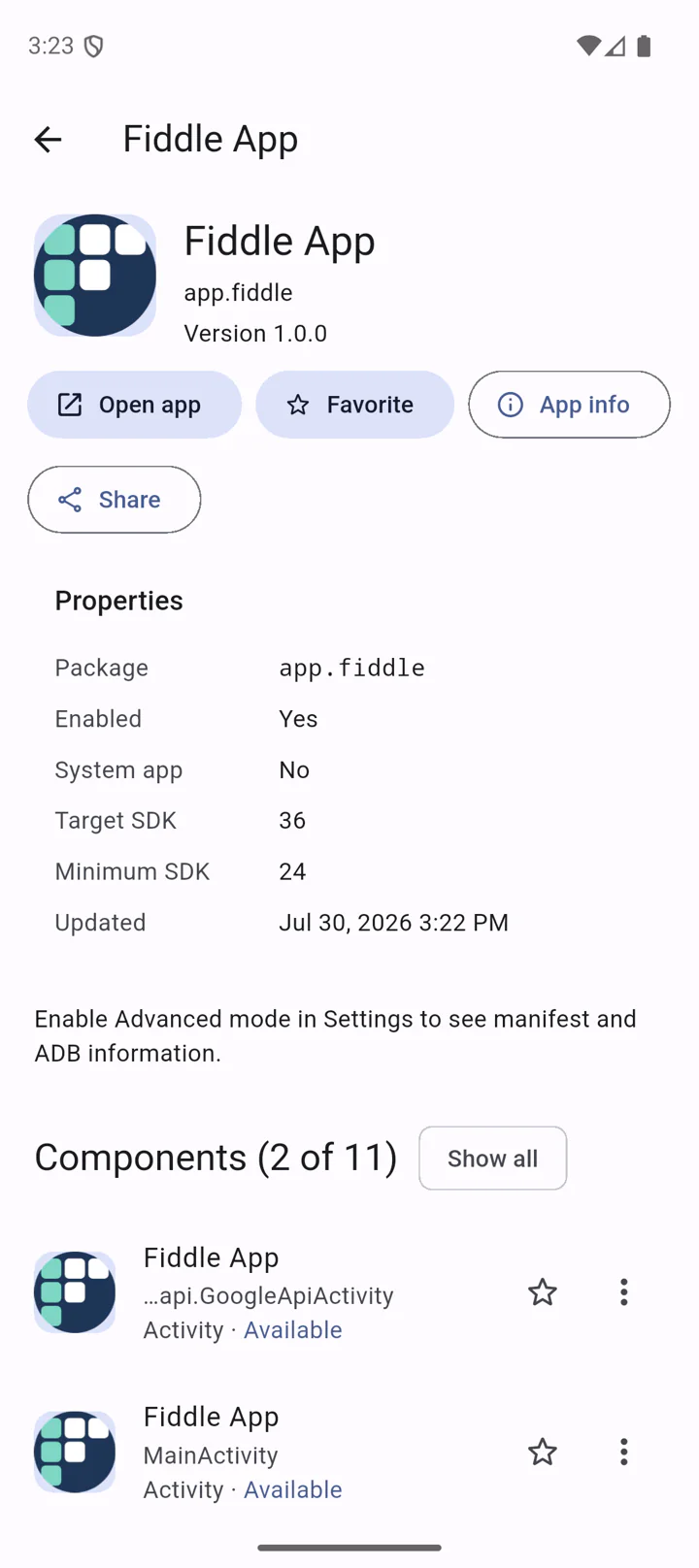
Understand the app
Start with the information that matters: identity, availability, and activities you can investigate further.
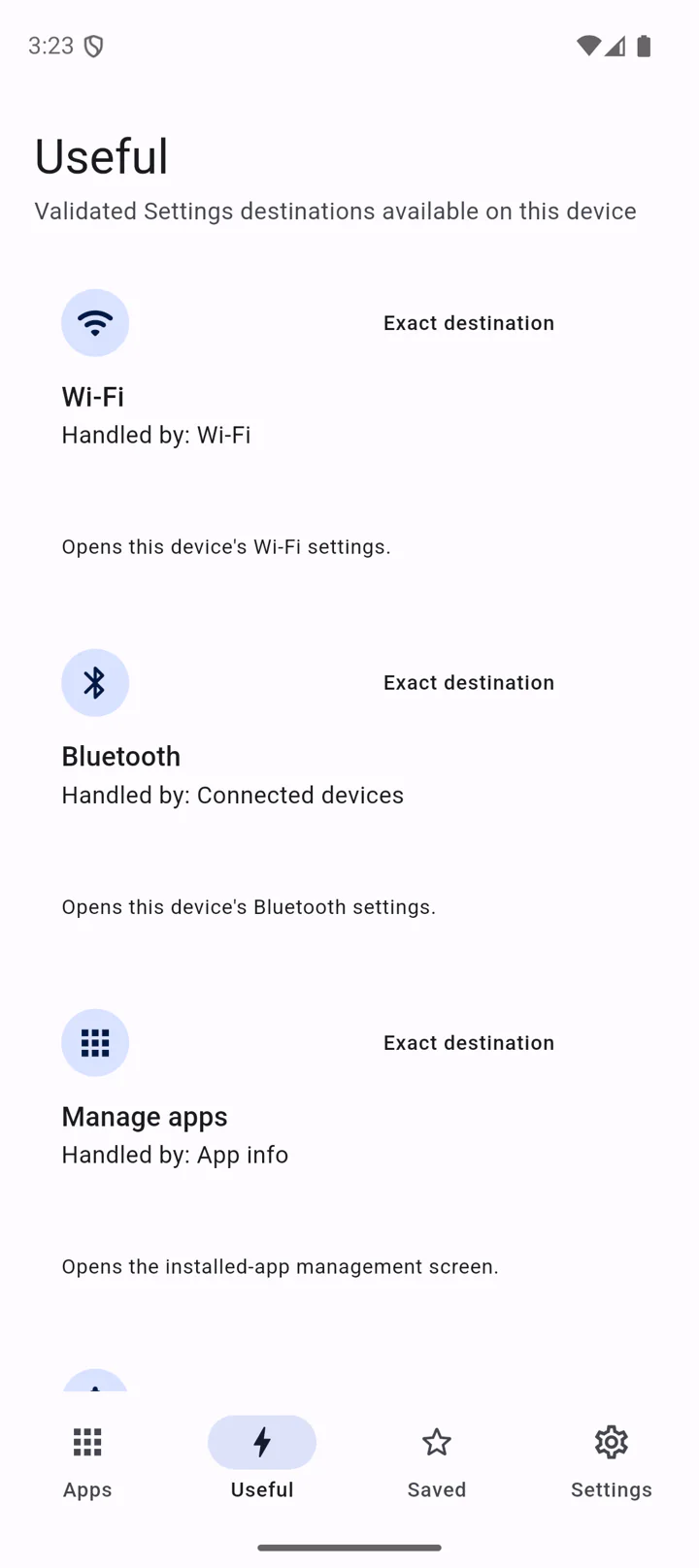
Reach the right setting
Fiddle App checks the routes your device actually exposes. When an exact screen is unavailable, it tells you where the fallback will lead.
How it works
A deliberate three-step path keeps context visible and Android in charge.
Search the installed catalog and choose the app you want to understand.
See availability and known restrictions before taking action.
Fiddle App sends the request; Android makes the final decision.
A transparent utility
Fiddle App helps you see more clearly without pretending Android’s protections are optional.
Broad app visibility builds an accurate view of installed apps and activities.
Private, disabled, protected, or unavailable activities remain subject to Android.
Saved items and preferences remain in Fiddle App on your device.
Fiddle App neither requires nor provides root access or permission bypasses.
Explore what is installed and open what Android permits.